
 Share
Share
 Print
Print
|
|
|
|
|


INVCNT0B - Delete Batches With 0 Quantity After Physical Inventory Count Adjustment
Delete Batches With 0 Quantity After Physical Inventory Count Adjustment
Affected Windows: w_physical_count_adjustment_sel
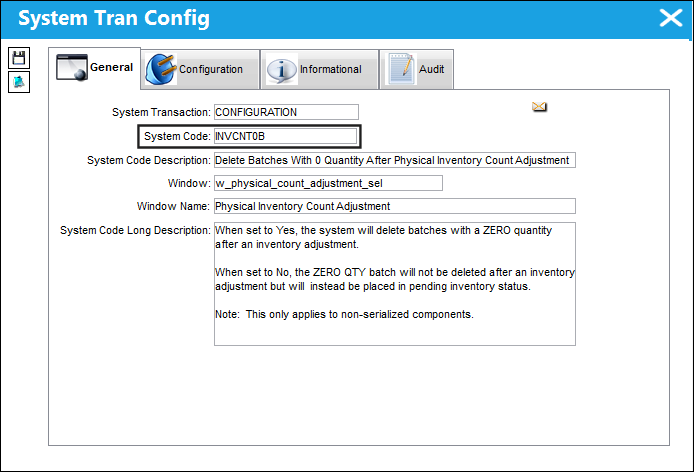
The functionality of this switch only applies non serialized components.
Switch Set to Yes:
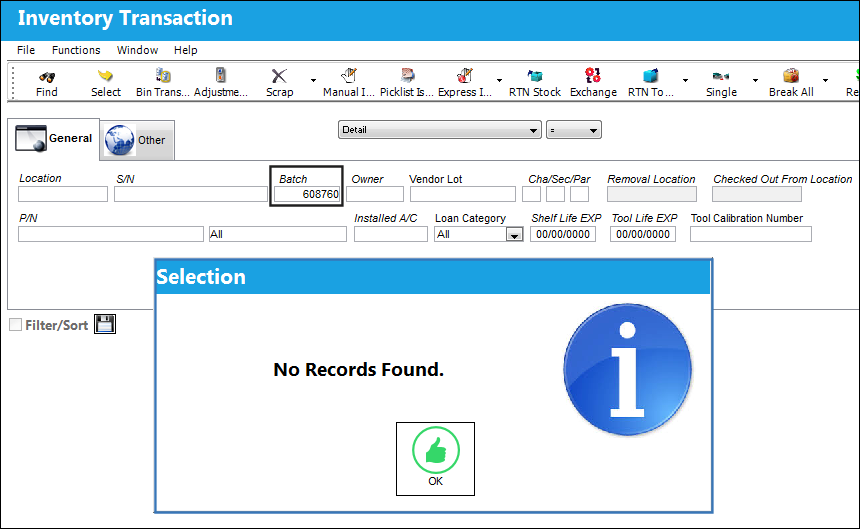
When set to Yes, the system will delete batches with a ZERO quantity after an inventory adjustment.
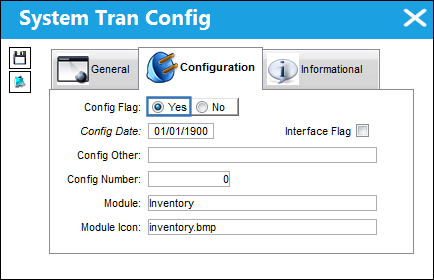
Note the following batch in Inventory.
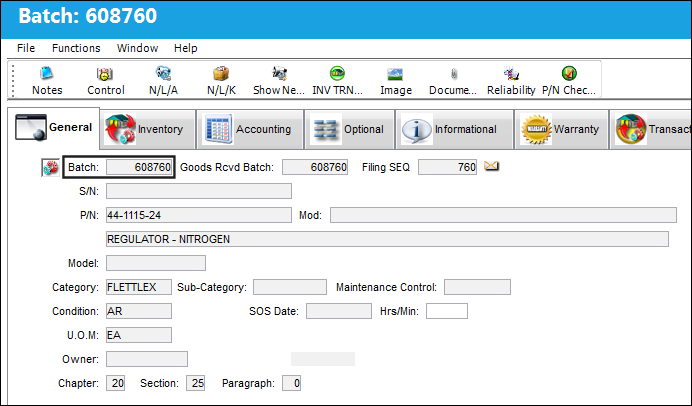
There is one part available in Inventory.
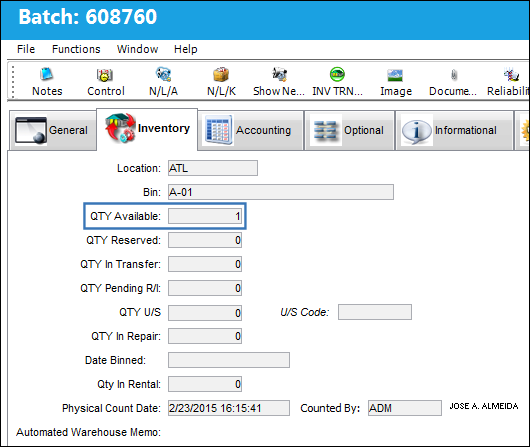
The available QTY is removed from Inventory.
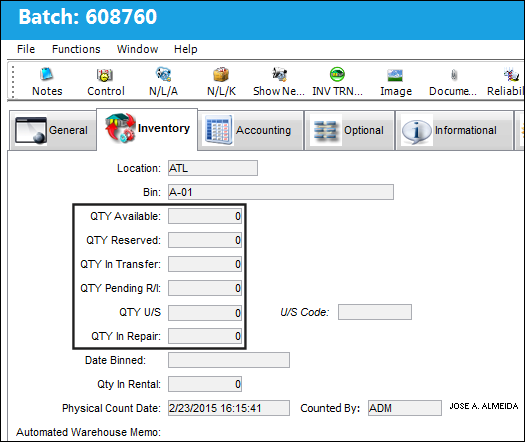
The Batch is no longer available in Inventory.
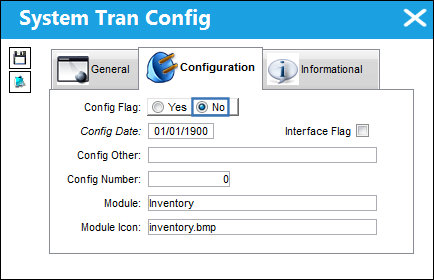
Switch Set to No:
When set to No, the ZERO QTY batch will not be deleted after an inventory adjustment but will instead be placed in pending inventory status.
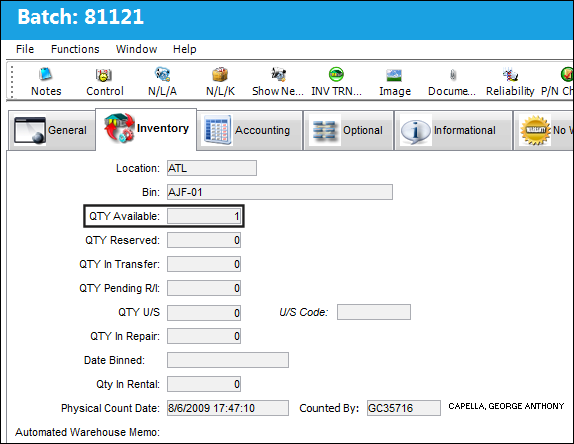
The following batch number has 1 part available in Inventory.
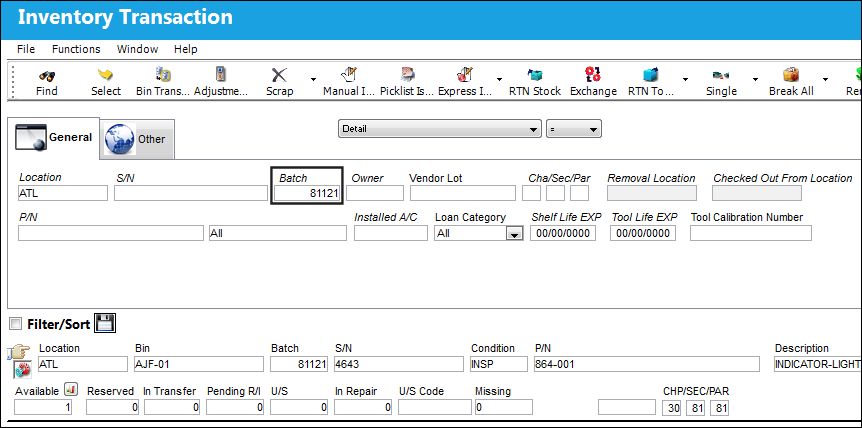
QTY Available is 1.
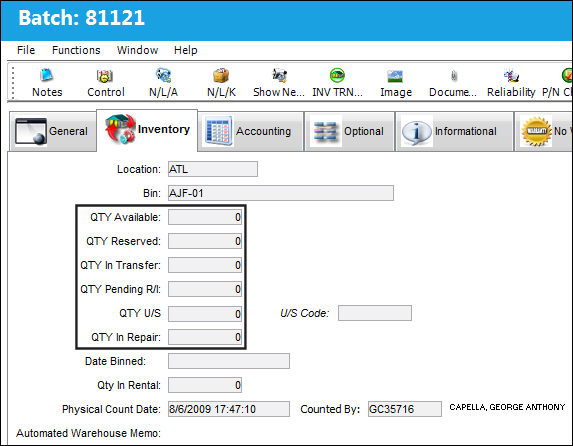
The available QTY is removed from Inventory.
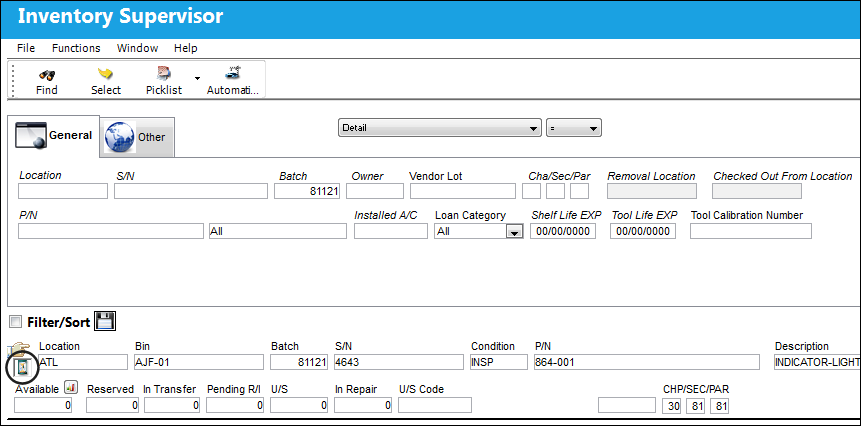
The status of the batch is updated from available to pending inventory.
Share
Print
|
©1997-2026 Trax USA Corp. All rights reserved. This manual may not be copied, photocopied, reproduced, translated, or converted to any electronic or machine-readable form, in whole or in part, without prior written approval from Trax USA Corp. |
 |