
 Share
Share
 Print
Print
|
|
|
|
|


PIBLIND - Display Available Quantity On Physical Inventory Count Print

Display Available Quantity On Physical Inventory Count Print
Affected Windows: w_physical_count_sel
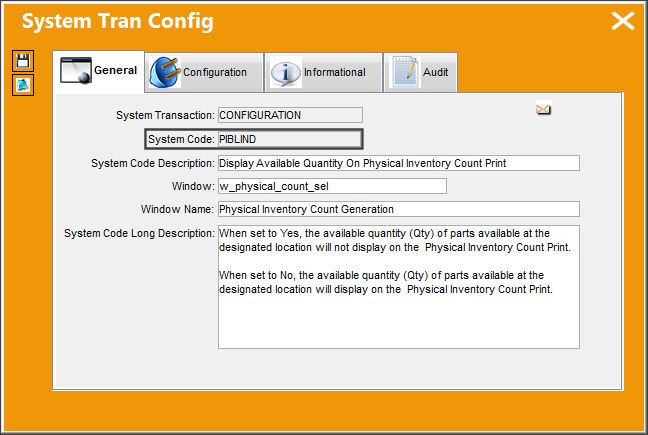
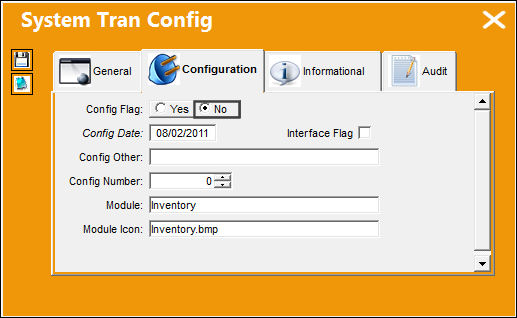
Switch Set to Yes:
When set to Yes, the quantity (Qty) of parts available at the designated location will not display on the Physical Inventory Count Print.
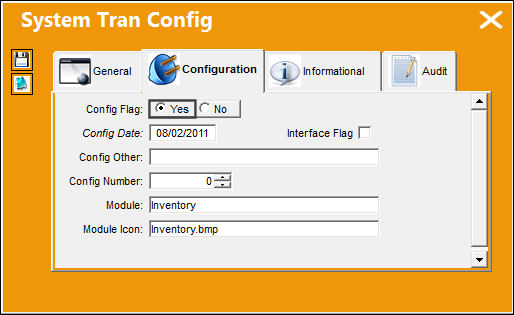
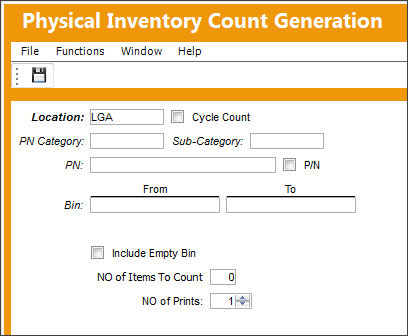
In the Physical Inventory Count Generation window, enter the specified location of where the inventory count will be performed.
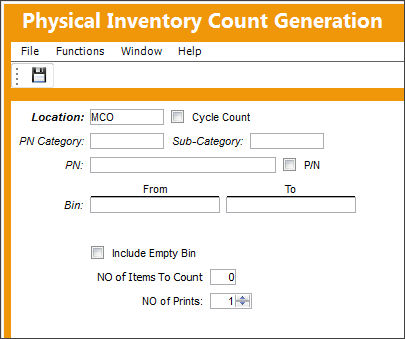
Once the count is generated, the system will display the Physical Inventory Count Print. The location's available part quantity is not displayed.
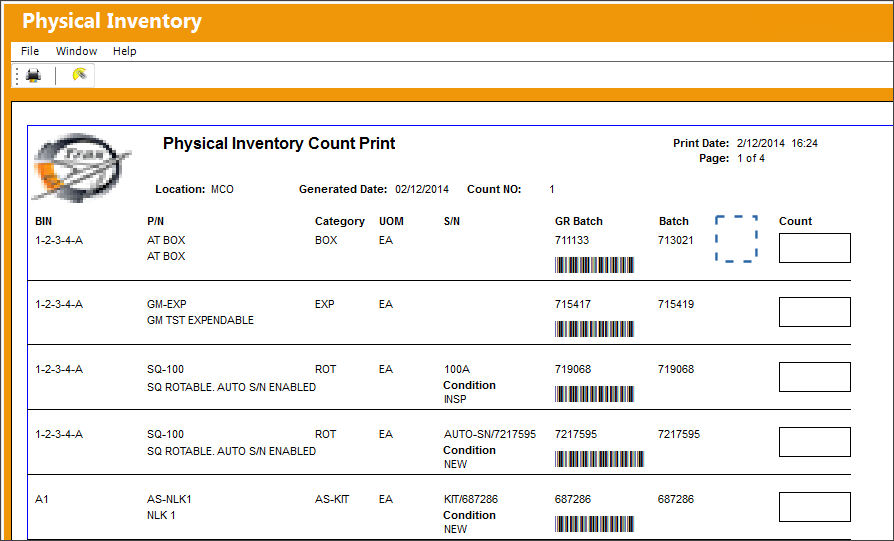
Switch Set to No:
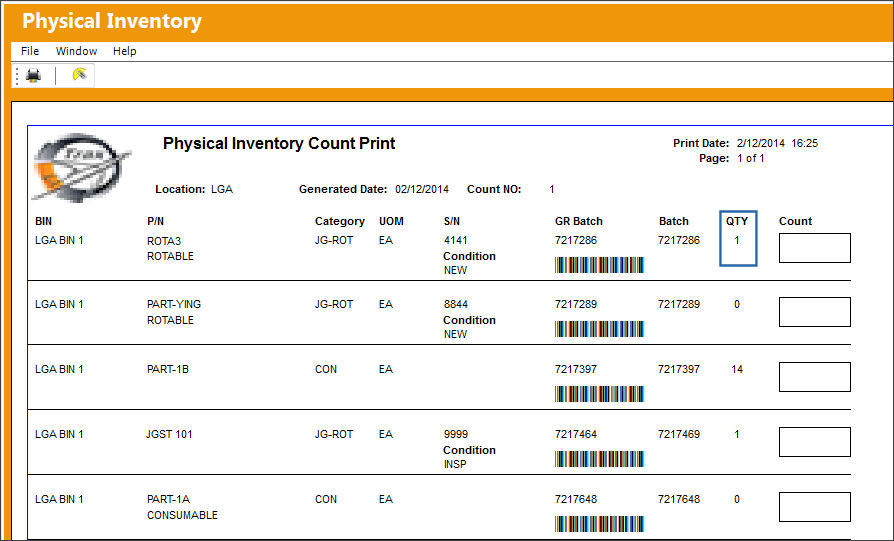
When set to No, the quantity (Qty) of parts available at the designated location will display on the Physical Inventory Count Print.
In the Physical Inventory Count Generation window, enter the specified location of where the inventory count will be performed.
Once the count is generated, the system will display the Physical Inventory Count Print. The location's available part quantity is displayed:
Share
Print
|
©1997-2026 Trax USA Corp. All rights reserved. This manual may not be copied, photocopied, reproduced, translated, or converted to any electronic or machine-readable form, in whole or in part, without prior written approval from Trax USA Corp. |
 |