
 Share
Share
 Print
Print
TRAX MANUALS > Inventory > Inventory Switches > PNIDFRM1OP - Option to select either FAA or EASA when printing P/N ID Form 1
|
|
|
|
|


PNIDFRM1OP - Option to select either FAA or EASA when printing P/N ID Form 1
Option to select either FAA or EASA when printing P/N ID Form 1
Affected Window: w_pn_identification_tag_re_print
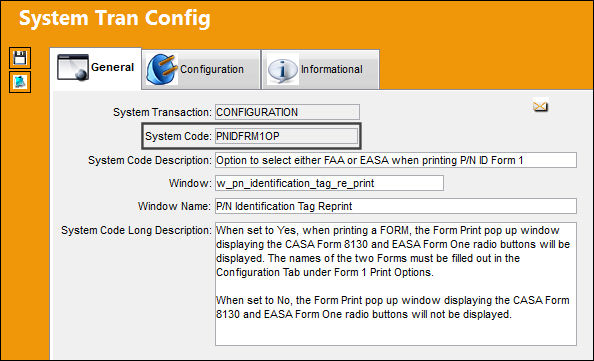
Switch Set to Yes:
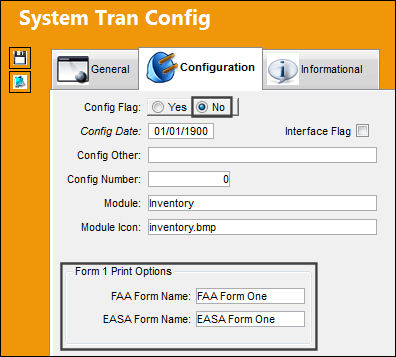
When set to Yes, when printing a FORM, the Form Print pop up window displaying the CASA Form 8130 and EASA Form One radio buttons will be displayed. The names of the two Forms must be filled out in the Configuration Tab under Form 1 Print Options.
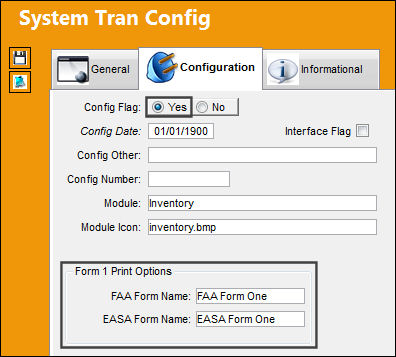
TRAX displays the P/N Identification Tag window with the following FORM PRINT pop-up. Select from either radio button. Exit the pop-up window.
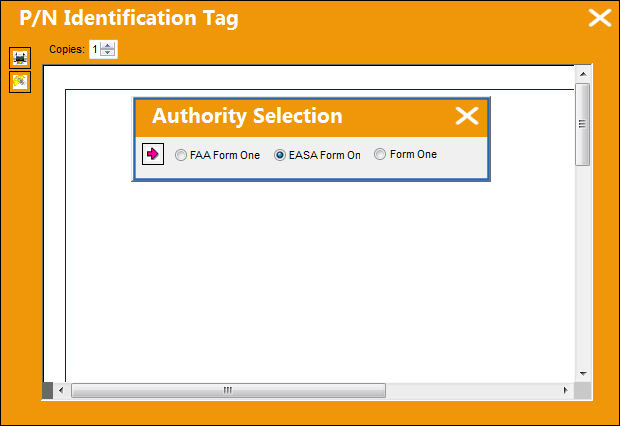
The P/N Identification Tag is shown below.
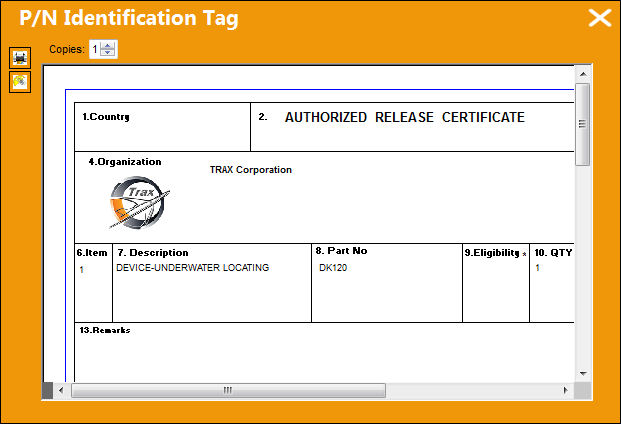
Switch Set to No:
When set to No, the Form Print pop up window displaying the CASA Form 8130 and EASA Form One radio buttons will not be displayed.
The P/N Identification Tag is shown below.
Share
Print
|
©1997-2026 Trax USA Corp. All rights reserved. This manual may not be copied, photocopied, reproduced, translated, or converted to any electronic or machine-readable form, in whole or in part, without prior written approval from Trax USA Corp. |
 |